Help Centre
Detailed guides to help you master the Forge the Team platform.
01 Getting Started
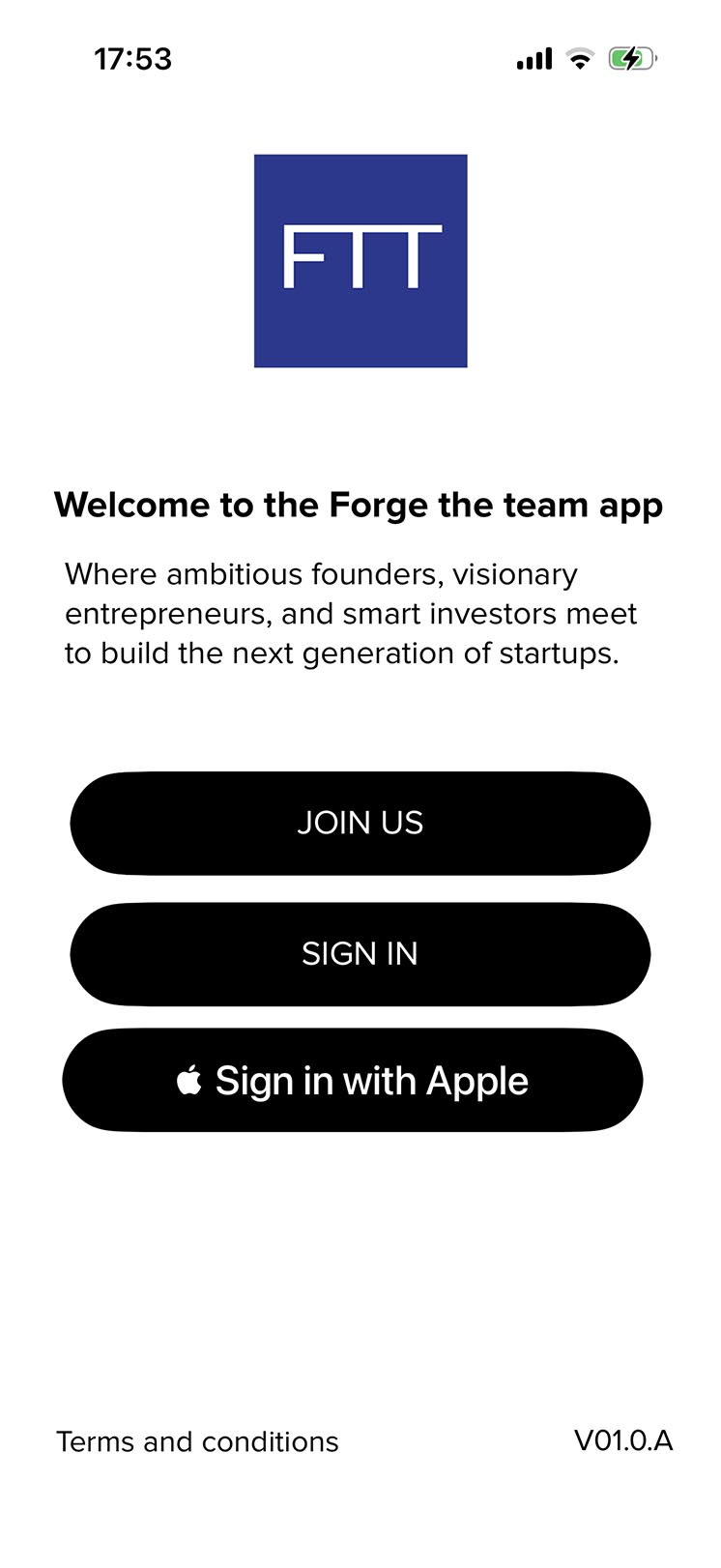
Launch the app to connect with ambitious founders, visionary entrepreneurs, and smart investors who are building the next generation of startups.
Join us
Access the registration pages to create your unique user profile.
Sign in
Log into your existing account using your email credentials.
Apple ID
Use "Sign in with App" for a seamless, secure login with Apple.
02 Creating Your Account
Registration Steps
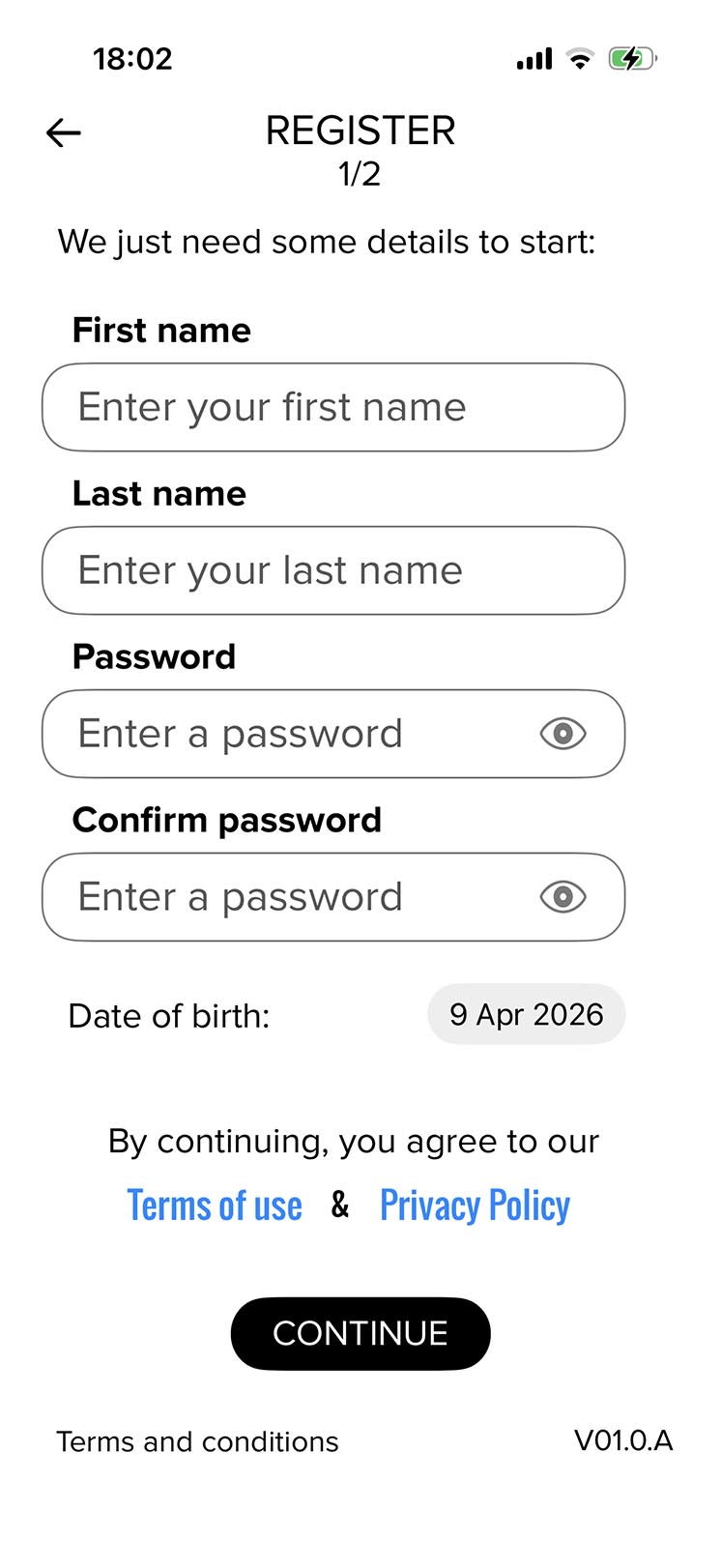
Enter your basic details including name, password, and date of birth. Note that users must be 18+ to use the platform.
Password Policy
Must be 8+ characters, including uppercase letters and special symbols. Use the visibility toggle to check your entry.
Email Validation
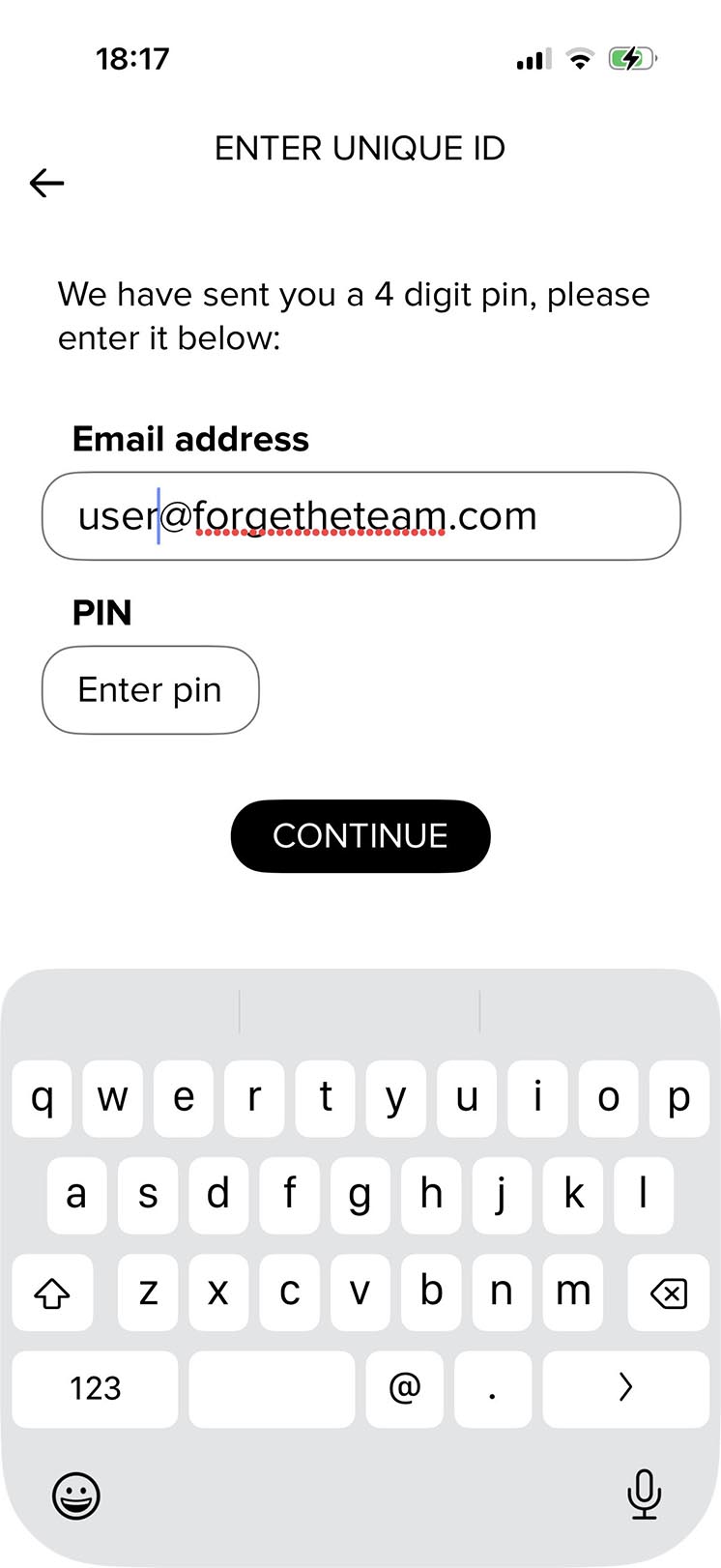
Check your inbox for a unique 4-digit PIN. Enter this on the verification page to confirm your email.
03 Accessing Your Account
Account Recovery
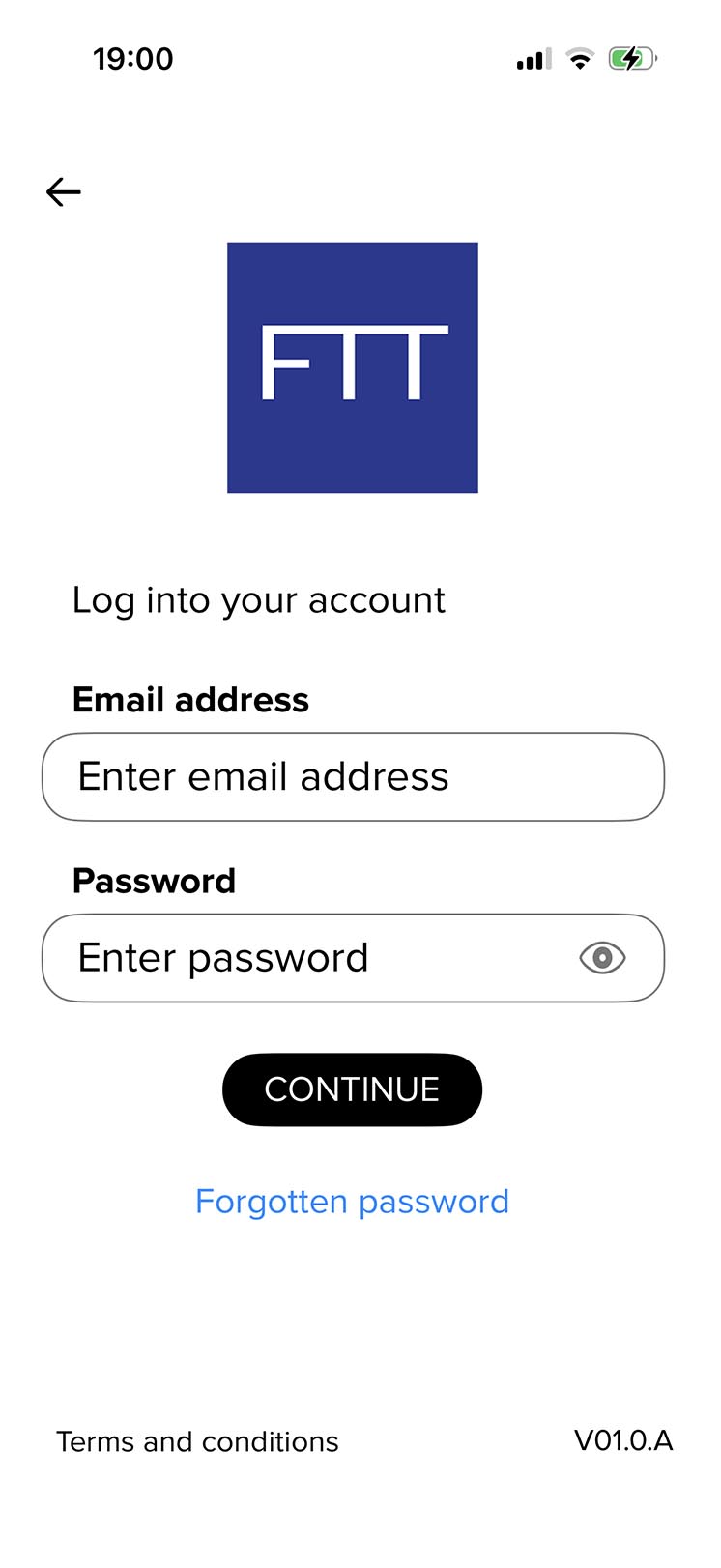
Can't log in? Tap the "Forgotten password" link. Enter your email address and we will send a temporary password to help you regain access.
04 The Explore Feed
Our dynamic feed allows you to discover the community through full-screen video content. Engage with founders and investors in real-time.
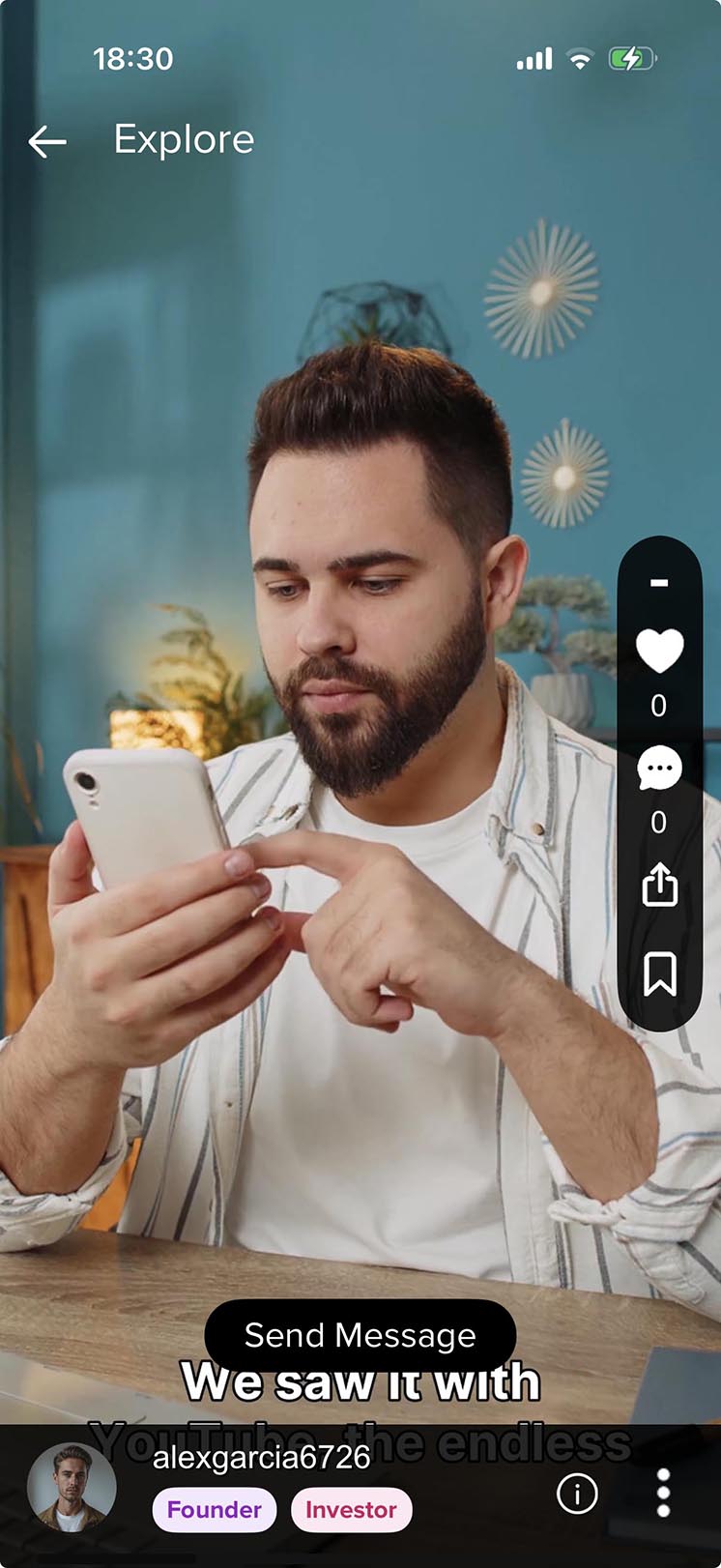
Content Interactions
- Like posts to show support.
- Comment to join the conversation.
- Share content with your network.
- Save posts for future reference.
Networking
Tap the "Send Message" button directly from a video to start a private conversation with the creator.
05 Community Profiles
Your profile is your digital business card. It highlights your expertise, role, and contribution to the startup ecosystem.
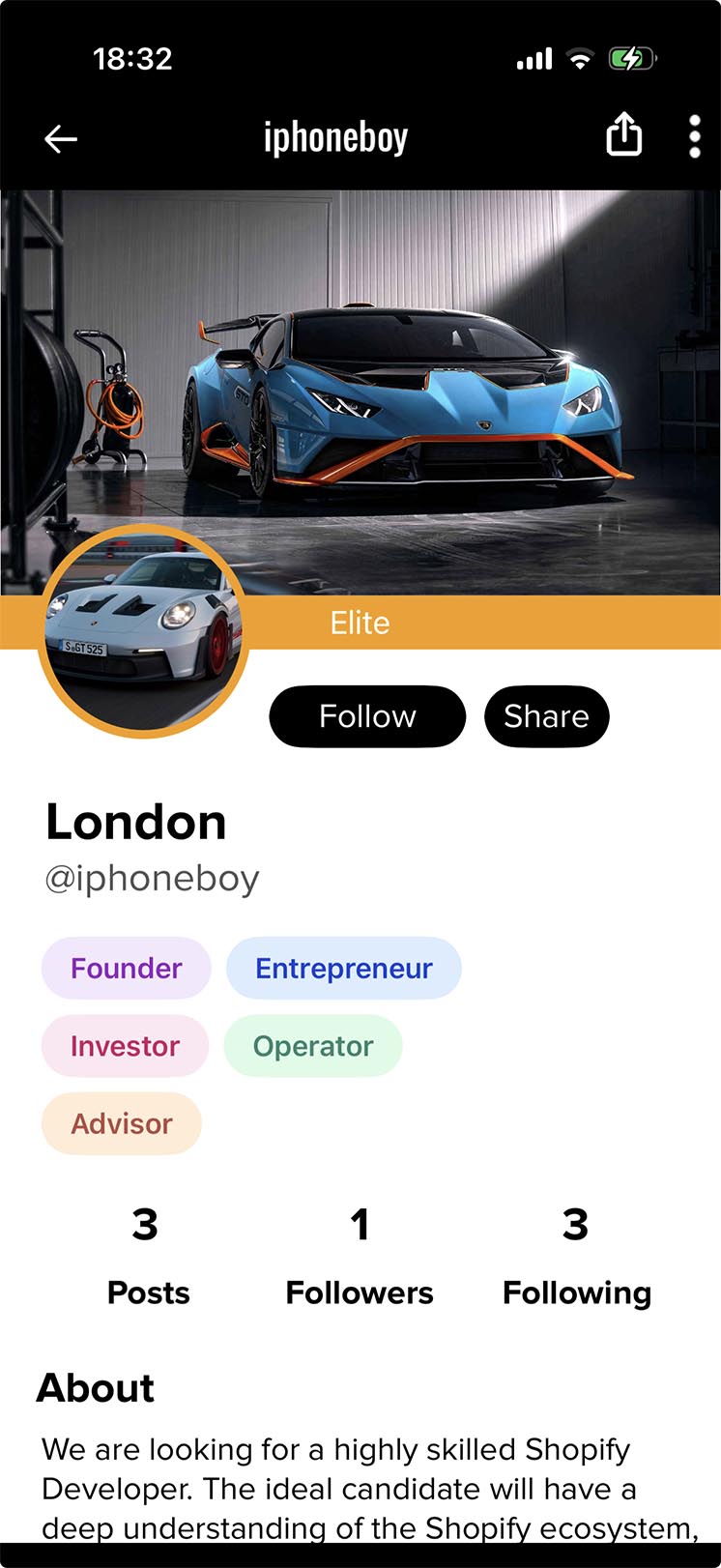
Color-Coded Expertise
Profiles display essential metrics such as post count, followers, and who you are following, alongside a personalized "About" section.
06 Safety & Moderation
To manage your interactions, visit the profile page of the user in question.
- 1. Click on the three dots (⋮) in the top corner of their profile.
- 2. Select Block Account to prevent any future interaction.
- 3. Select Report if the user has violated community standards.
If you encounter an inappropriate post in your feed, click the three dots (⋮) on the post and select Report. Our moderation team reviews all flags within 24 hours.
07 Terms & Privacy
Need dedicated support?
Our team typically responds within 24 hours on business days to help you forge your path.
Contact Us